Photos that overlap are a different job from screenshots
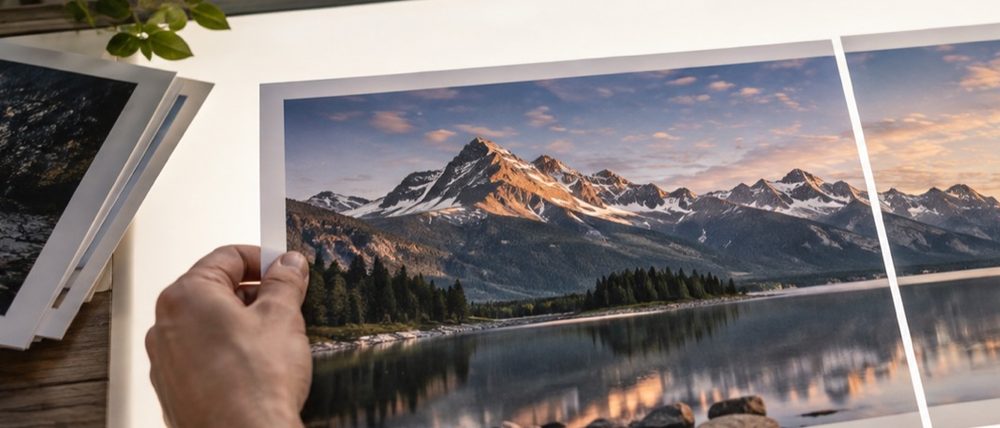
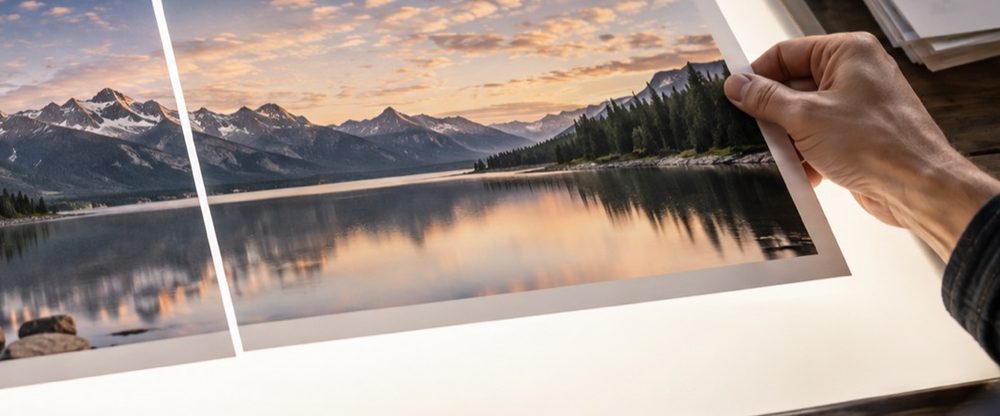
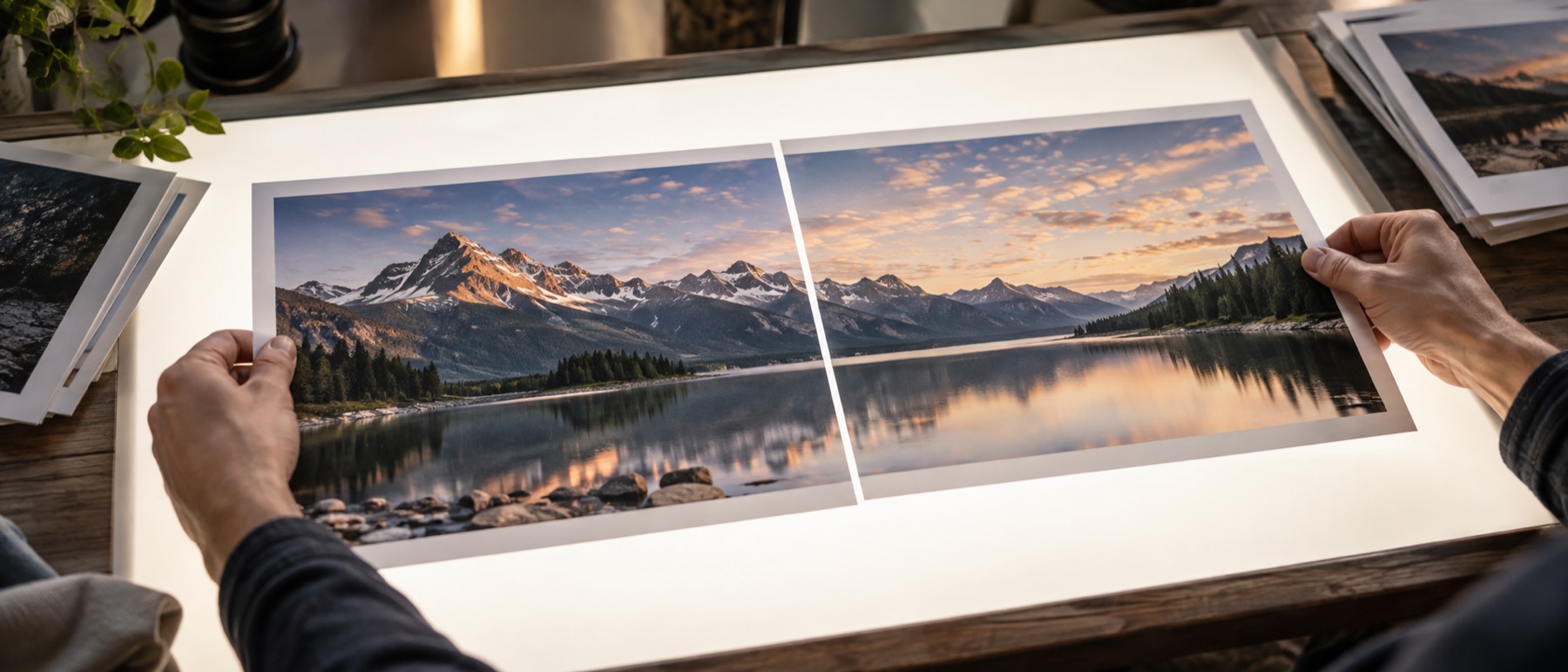
A run of scrolling screenshots repeats itself exactly: the same pixels, the same width, a fixed bar at the top. Photographs that overlap do not. Two halves of a scanned poster share a strip that is nearly identical but sits a few pixels off; three phone photos of a whiteboard share an edge whose light changes from one frame to the next. This page is for that second case. The pieces are compared at their edges as soon as they arrive, the overlap is proposed with a score, the seam is feathered so a small mismatch spreads across a band instead of landing on one row, and the exposure of each piece is brought toward the others — all on this device.
What each control does to the pixels
- Direction. Side by side for a row of shots, stacked for a page scanned top then bottom, grid for a big sheet scanned in four quarters. In a grid the overlap across and down is set once for every tile.
- Auto-align. High-passed grey copies of each pair are slid over each other at three sizes and scored by correlation. The best position and the runner-up are kept; when they score almost alike the seam is marked for a look. Nothing moves until you accept.
- Feather. Defaults to half of the overlap you accepted. The later piece fades in across that band, never wider than the overlap itself.
- Levelling. A per-channel gain toward the set’s median, re-measured after it is applied. The step across each seam is reported in stops whether levelling is on or not.
- Trim to the shared area. Cuts away the uneven margin left by nudges, so the saved picture is a clean rectangle.
A worked example
An A3 drawing scanned as two A4 halves at 300 DPI: each half is 3508 × 2480 pixels, laid stacked. The detector proposes an overlap of 412 rows with a match of 96 %, and a nudge of 7 pixels to the left on the second half. Accepting sets the feather to 206 pixels. The result is 3515 pixels wide before trimming, because the nudge makes the two halves cover slightly different columns; trimming keeps only the 3501 columns both of them cover, leaving 3501 × 4548 pixels — the two halves minus the 412 shared rows, each half losing a 7-pixel sliver on one side. Levelling moved the second scan by +0.08 stops, which the ledger prints.
Privacy, specifically
Scans of documents and photos of whiteboards often carry names, numbers and notes. They are matched, levelled and drawn inside this tab, and the saved file is drawn fresh from the originals without their camera details. If something on the page should not be in the copy you share, draw a box over it in the Save step — it is filled solid, not blurred.
This lines up pieces that overlap by shifting them. It does not warp perspective, so photos taken from different spots will not line up everywhere — the seam will show where the views disagree. It is not a panorama engine for wide handheld sweeps; for those, shoot from one spot and turn, or accept a visible seam.
Snags when stitching photos
I scanned an A3 page as two A4 halves. Will they line up?
Usually very well, because a flatbed scan has no perspective to fight: the two halves are the same sheet moved along the glass. Put the top half first, the bottom half second, choose Stacked, and the overlap is looked for the moment both are in. If the sheet sat slightly crooked the second time, the seam will show a small step at one end — nudge it across by a few pixels and the step usually closes.
Why does my handheld panorama show a ghost along the seam?
Because the camera moved between frames, and things near the lens shift against things far away. This page only slides one picture over the other; it does not bend either of them, so where the two views genuinely disagree the feather shows both at half strength. A wider feather hides it better on skies and walls; on a doorway or a face, shoot again from one spot and turn on the spot instead of walking.
The proposal says it matched 61 %. Should I accept it?
Look first. Scores here are how alike the two strips are, not a promise, and anything under the trust line is marked for a look rather than accepted in bulk. Open the seam, check the loupe at full size, and either accept it, drag it to where it belongs, or dismiss it and set the overlap by hand.
One photo is brighter than the other. Can the join be evened out?
Exposure levelling is on by default here. Each piece is measured, moved toward the set's middle by a gain, and the gain is printed per picture in the ledger, so you can see what was changed. A picture too far from the others is left alone and the ledger says why. Turn levelling off in the Fit step if you want every pixel exactly as shot.
What happens to the uneven edges after the pieces are nudged?
They are trimmed by default: the result keeps only the band every piece covers, so no stripe of ground colour runs along the top or bottom. The trim is a crop of each piece's source rectangle, so nothing is stretched, and the Fit step shows how many pixels went. Switch it to Keep it all to see the ragged edges instead.