When the shape comes first
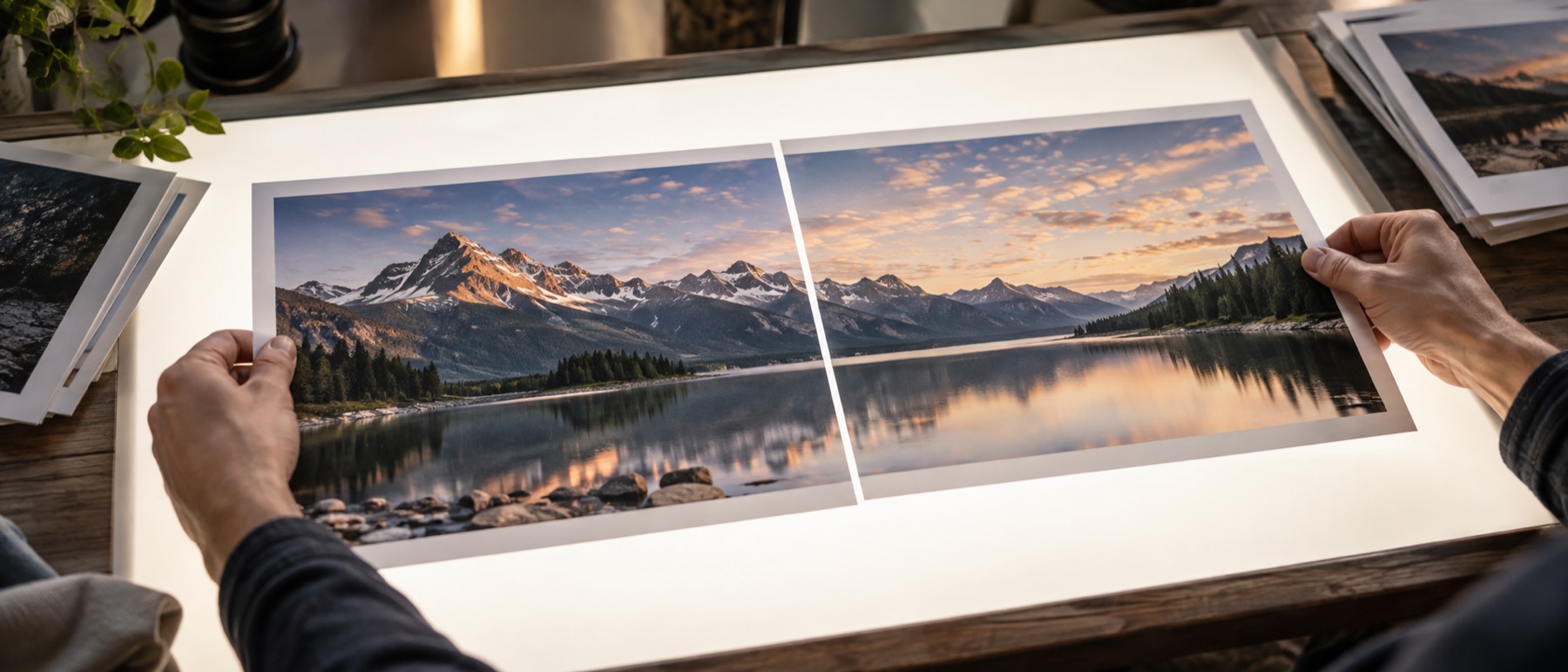
Joining two photos side by side gives a picture whose shape is decided by the photos — two portraits make a square-ish result, two landscapes a long strip. A post or a status works the other way round: the shape is fixed before you start, and the photos have to fit into it. This page starts from the frame. Pick the shape, and the two photos share it equally, each one either filling its half (cropped evenly from the edges) or kept whole inside it, with a border, a gap and a ground you choose.
What each frame style does
- Plain border. The frame colour all round and between the photos — the gap and the border are set separately.
- Double line. The same border with a thin rule set inside it, in the frame’s contrasting ink.
- Instant photo. A deep band at the bottom for a caption, the way an instant print looks.
- Soft shadow. Each photo lifted off the ground by a shadow drawn under it.
- Blur of the photos. The whole frame filled with a heavy blur of the first photo instead of a colour — the common answer to “no white bars”.
A worked example
Two portrait photos at 3024 × 4032 in a 4:5 frame at 1080 pixels wide: the frame is 1080 × 1350. With a 36-pixel border and an 18-pixel gap, the space inside is 1008 × 1278, so each half is 495 × 1278 pixels. A 3:4 photo is wider than that slot, so filling crops it evenly from both sides — about 1560 of its 3024 source pixels across are kept — and scales it down to fit. Keeping it whole instead fits the photo at 495 × 660 and leaves bands above and below in the frame colour.
Privacy, specifically
The photos are read and framed inside this tab and the file is drawn fresh, so camera details and location stay behind. A caption you type is drawn into the picture and is never sent anywhere; it is also left out of a saved arrangement, which keeps only the frame’s settings.
Filling crops: the cropped edges are not in the saved file. 1080 pixels is what Instagram’s help pages say they keep for width; other apps resize differently, and very small photos are enlarged to fill a large frame, which softens them — the list under the preview says when.
Snags with framed photo pairs
Which shape should I pick for an Instagram post?
Square (1:1) or portrait (4:5) for the feed, 9:16 for a story or a WhatsApp status. At 1080 pixels wide a square frame is 1080 × 1080, a 4:5 frame 1080 × 1350 and a 9:16 frame 1080 × 1920. Platforms change their rules from time to time, so check the app's own help page if a post comes out cropped.
My photos get cut at the edges. Can I keep them whole?
Yes — switch Each photo to Keep it whole. Each one is then fitted inside its half without cropping, and the space left over shows the frame colour, or a soft blur of the photos if you choose the blur style. Filling each half (the default) crops evenly from the edges so the photos meet the frame without bars.
Can I put three photos in one frame?
Add a third and the frame divides into three equal parts, side by side or one above the other. For four or more, the photo grid page is built for it, with rows and columns.
What is the instant-photo style?
A deep band at the bottom of the frame, like a print from an instant camera, wide enough for a short caption. The caption is drawn in the frame's contrasting ink — dark on a light frame, light on a dark one.
Is this a real picture frame I can order?
No. It makes a framed picture file — a border drawn around your photos — for sharing or printing yourself. Nothing is ordered, printed or sent anywhere.