Two photos, one question: what changed?
Comparing photos by eye is slow and unreliable. Put two versions of a product shot, a design proof or a screenshot side by side and you will miss the line of text that moved, the colour that shifted a few percent, the logo nudged three pixels. This page answers the question with the pixels themselves: it lays the two photos over each other at the same size and counts, pixel by pixel, how many match exactly and how far apart the rest are.
Five views show the same comparison different ways. Each suits a different kind of change, and switching between them costs nothing because both photos stay loaded in this tab.
The five views
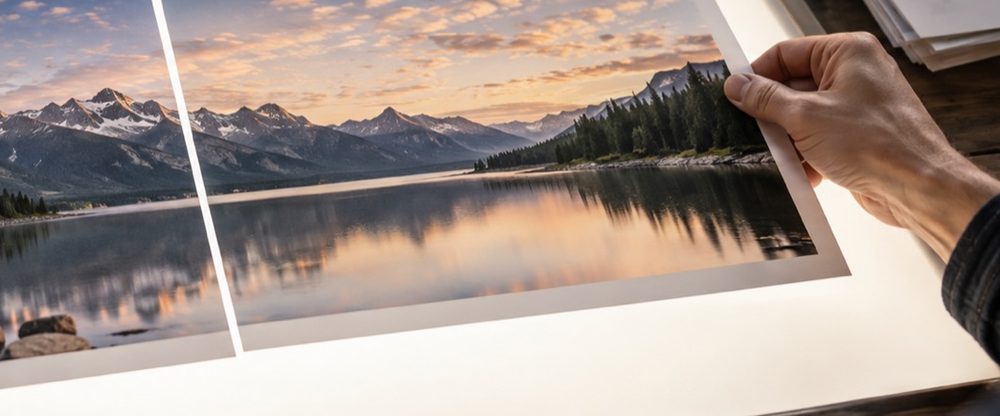
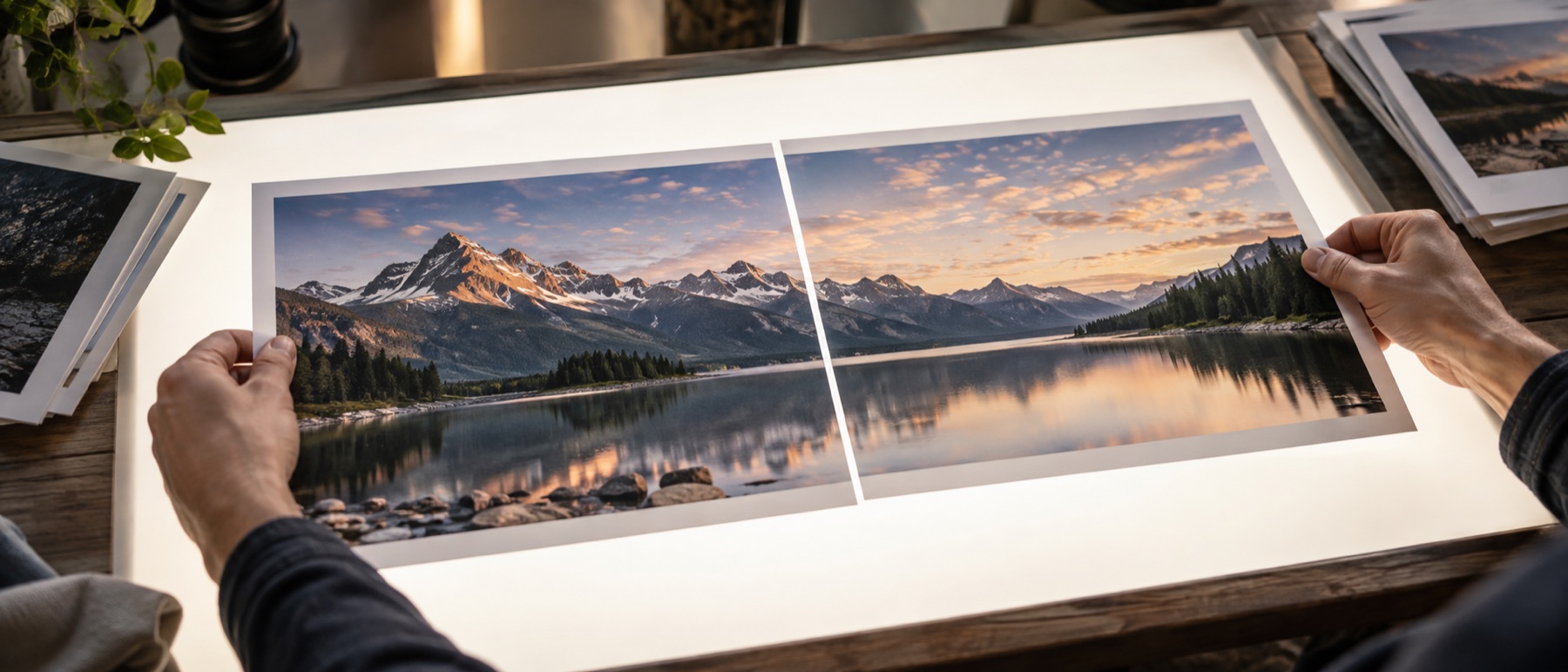
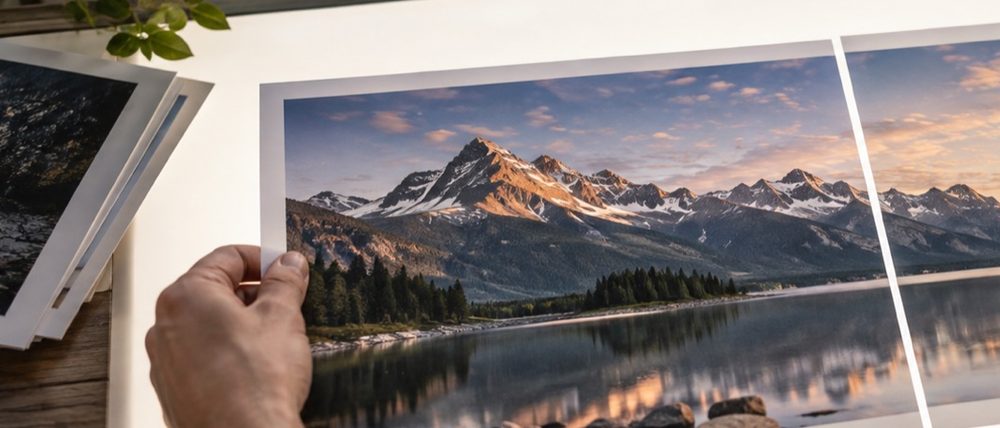
- Side by side. Both photos at the first one’s size with a narrow gap — the view to save and send when someone else needs to see both.
- Swipe. The first photo left of a divider, the second right of it. Drag the divider across a detail to watch it change in place.
- Flicker. The two alternate twice a second. Movement is what the eye notices first, so an object that moved or vanished jumps out.
- Difference. Each pixel shows the gap between the two, channel by channel. Identical areas are black; amplification (×1 to ×16) makes faint differences visible.
- Highlight. The first photo with every pixel that differs by more than your tolerance tinted red, so you see where the changes are in context.
Reading the report
Exactly the same is the share of pixels where red, green, blue and transparency are all equal — no tolerance. Mean difference is the average gap per channel on a 0–255 scale; a re-saved JPEG typically scores between 0.5 and 2. Largest difference is the single biggest channel gap found, and Changes sit in is the smallest rectangle that contains every pixel above your tolerance, in the first photo’s pixels. When the two photos are different sizes, the second is scaled to the first before comparing, and the report will never call them identical.
A worked example
Press “Try ours” above: two 1200 × 800 drawings of the same hills, the second with a small red dot and a dark bar added. The report reads 99.38 % exactly the same, a mean difference of 0.26, a largest difference of 124, and changes inside a 532 × 180 px box at 332, 468 — the box that spans both additions. In Highlight, only the spot and the bar turn red; in Difference they are the only shapes on black. Saving the Difference view gives a 1200 × 800 PNG to send with a note.
Privacy, specifically
Both photos are compared inside this tab. Nothing is uploaded, which matters here more than most places: the photos people compare are often contracts, IDs and unreleased designs.
Comparison is pixel against pixel. The offset search slides the second photo but does not rotate, scale or bend it. Photos over about 24 megapixels are measured on a smaller copy, and the report says so. It makes no claim about similarity of people or authenticity.
When comparing photos goes wrong
How do I know if two photos are exactly the same?
Add both. The report compares every pixel of the first with the same pixel of the second, and only says Identical when every channel of every pixel matches and the two are the same size. Two files can look the same and still differ — a re-saved JPEG changes thousands of pixels by one or two levels — so the report also gives the share that matches exactly and the largest difference found.
The difference map is all speckles. Did everything change?
Probably not. JPEG compression moves pixels by a few levels every time a photo is saved, and the difference map makes that visible. Lower the amplification to see only real changes, or switch to Highlight and raise Count as changed above to 10 or 20 so compression noise is ignored and only genuine edits are painted red.
The two photos were taken a second apart and nothing lines up.
Press Find the offset. It searches small shifts of the second photo — up to 15 % of the frame each way — for the one where the two match best, then refines it on a larger copy. The offset is shown in pixels and applied to every view; the strip the second photo no longer covers is left out of the figures. It slides, it does not rotate or zoom, so two shots from different spots will never line up everywhere.
What does flicker do?
It shows the first photo, then the second, twice a second. Your eye catches anything that jumps between them — a moved object, a changed sign — faster than it finds it side by side. If your device asks for reduced motion, the flicker waits and a button switches between the two instead.
Can this tell whether a photo has been edited or faked?
No. It compares two photos you give it, pixel by pixel. With an original and a suspect copy it shows exactly where they differ, but it cannot look at one photo and judge whether it is genuine, and it says nothing about whether two photos show the same person.