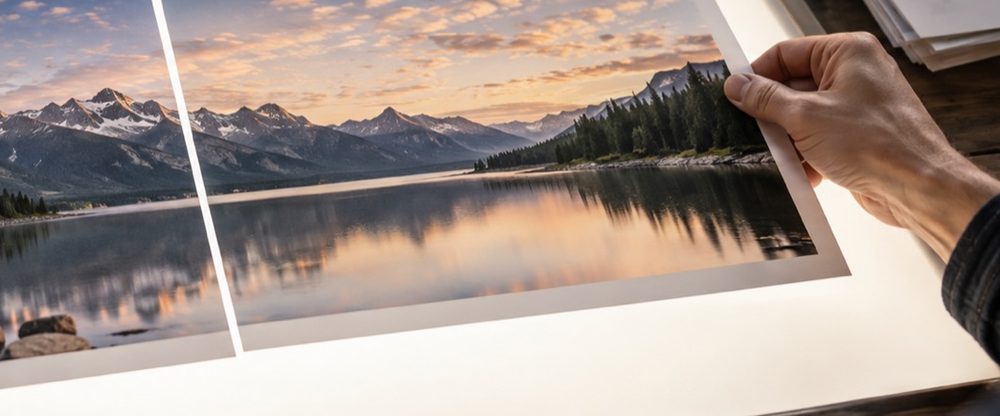
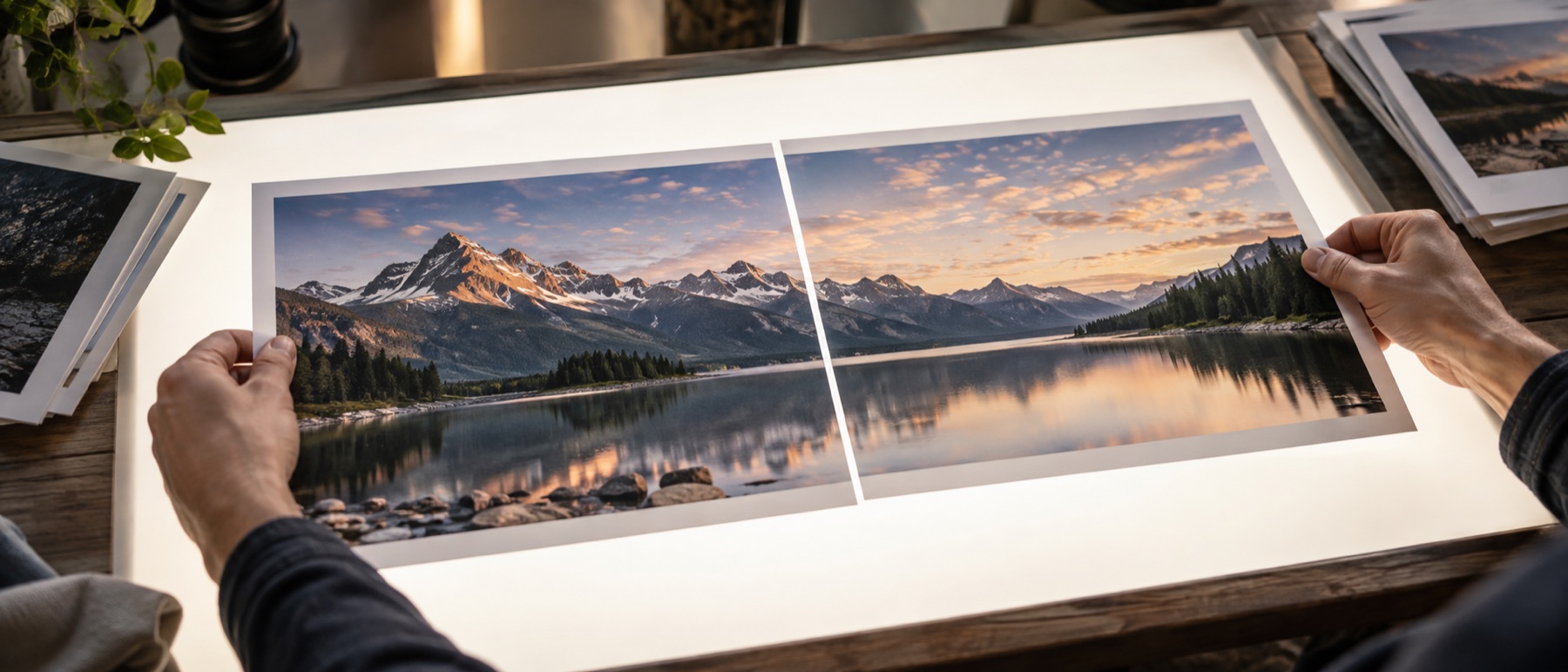
One photo inside another, at full size
Picture in picture is the layout television made familiar: the main scene fills the frame and a smaller one sits in a corner — the speaker beside the slide, the baby’s face beside the whole family, the finished dish beside the kitchen it came from. The big photo stays exactly as it was taken; the small one is scaled down, given a shape and an edge, and placed on top. The saved file is the big photo’s own size, so nothing about it is shrunk to make room.
It differs from putting one photo on another in what it assumes. A free overlay can be turned, faded and blended into the scene. An inset is meant to read as a separate picture: an upright frame with a clean border and a shadow that lifts it off the page. That is why the controls here are corners, sizes and shapes rather than angles and blend modes.
What each setting does
- Where it sits. Four corners and the centre, each kept a set gap from the edges; dragging on the preview overrides the preset and the inset stays where you left it.
- Size. The inset’s width as a percentage of the big photo’s width, from 8 % to 80 %. Its height follows its own proportions, except as a circle, which is always as tall as it is wide.
- Shape. Square corners, rounded corners (12 % of the short side), a circle cut from the centre of the small photo, or an oval that keeps the whole small photo and rounds it off.
- Border and shadow. The border is a share of the big photo’s short side, so a 1 % border on a 4000 × 3000 photo is 30 pixels; the shadow is soft and falls slightly below the inset.
A worked example
A 4032 × 3024 photo of a stage and a 1080 × 1350 close-up of the singer. At the default 30 % the close-up becomes 1210 pixels wide and 1512 tall, 4 % of the short side — 121 pixels — in from the bottom-right corner. Switch to Circle and it becomes a 1210-pixel circle cut from the middle of the close-up; a 1 % white border adds 30 pixels around it. The result is saved at 4032 × 3024, and the list under the preview records each inset’s size and corner.
Privacy, specifically
Both photos are decoded and drawn inside this tab. The saved file is drawn fresh from them, so camera details and the location a phone writes into a photo are not copied into the result, and neither photo is sent anywhere.
Insets are always upright; to turn or fade one, use the photo-on-photo tool instead. A circle crops the small photo from its centre, so an off-centre face needs cropping before it is added.
Questions people ask about picture in picture
How big should the small photo be?
Between a quarter and a third of the big photo's width reads as an inset rather than a second main picture; that is why it opens at 30 %. Go smaller for a face in the corner of a group shot, larger for a reaction layout where both matter. The size is a share of the base photo's width, so the same setting looks the same on a phone snap and a camera file.
Can I make the small photo round?
Yes. Choose Circle and the inset becomes a perfect circle cut from the middle of the small photo, so frame the face or the object near the centre of that photo before you add it. Oval keeps the small photo's own proportions and rounds them off instead, which crops nothing.
Can I put more than one small photo in?
Up to four. Each one takes the next free corner — bottom right, then bottom left, top right, top left — and has its own size and position, while the shape, border and shadow are shared so the insets look like a set. Pick which inset to edit by its number.
The inset covers a face in the big photo. How do I move it?
Drag it on the preview to anywhere you like, or pick another corner or the centre. The gap from the edge is a share of the big photo's short side; set it to 0 for an inset flush with the corner.
Does the saved photo lose quality?
The big photo is drawn at its own full size and only the small one is scaled, down to the size you chose. Save as PNG to keep every pixel exactly, or JPG at 92 % for a file a chat app will not complain about.